

People searching for the Mega888 original download iOS APK are usually mixing up two different things. An APK is an Android installer. iPhones cannot run one. This page explains what each platform actually needs, so you grab the right file and avoid copies that are neither original nor safe.
APK vs iOS: What Is the Difference?
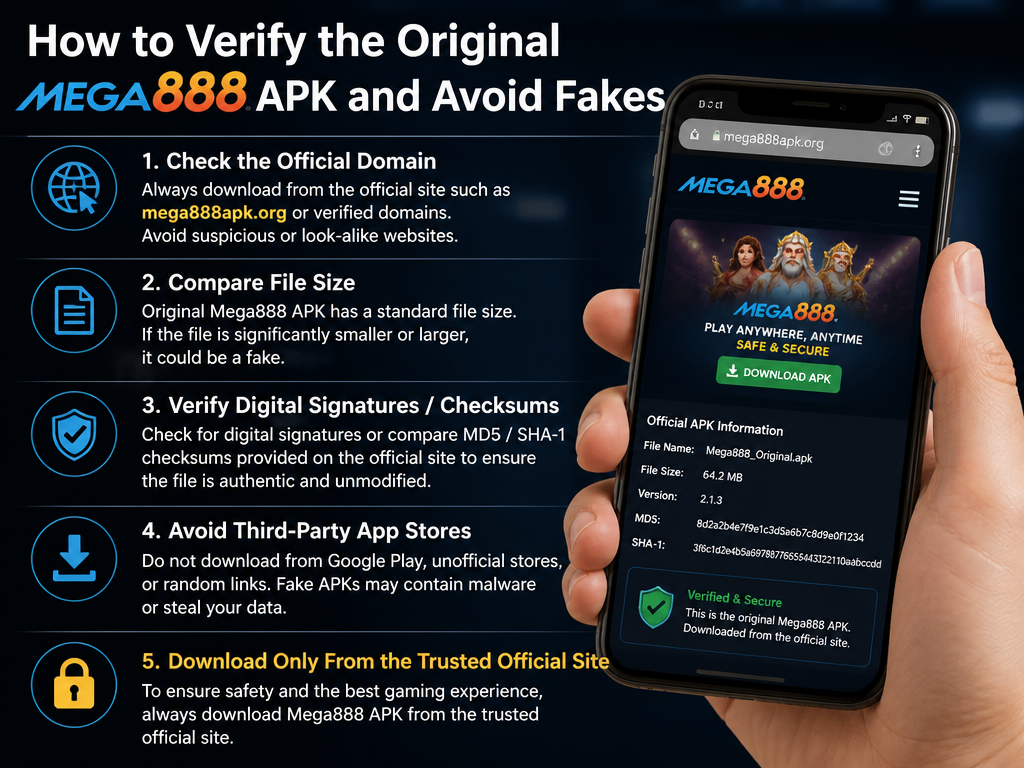
An APK (Android Package) is the format Android uses to install apps from outside Google Play. Apple devices use a different package format and a stricter installation process. So the phrase “iOS APK” does not describe a real file. If a page offers you an APK for your iPhone, treat it as a warning sign.
Original Download on Android
On Android the install is a standard sideload: save the file, allow installs from that source, and tap Install. The detailed steps, with fixes for the usual errors, are in our guide to the Mega888 APK download for Android. If you want to understand the file itself first, read APK Mega888: what you need first.
Original Download on iPhone and iPad
Mega888 does not have a listing on the App Store, so iOS users normally install through a configuration profile or a signed build, then trust the developer profile in Settings. Another option some agents offer is opening the platform in Safari. Walkthroughs are in the Mega888 iOS download guide and, for older firmware, the Mega888 iOS 15.3.1 download guide.
Comparison at a Glance
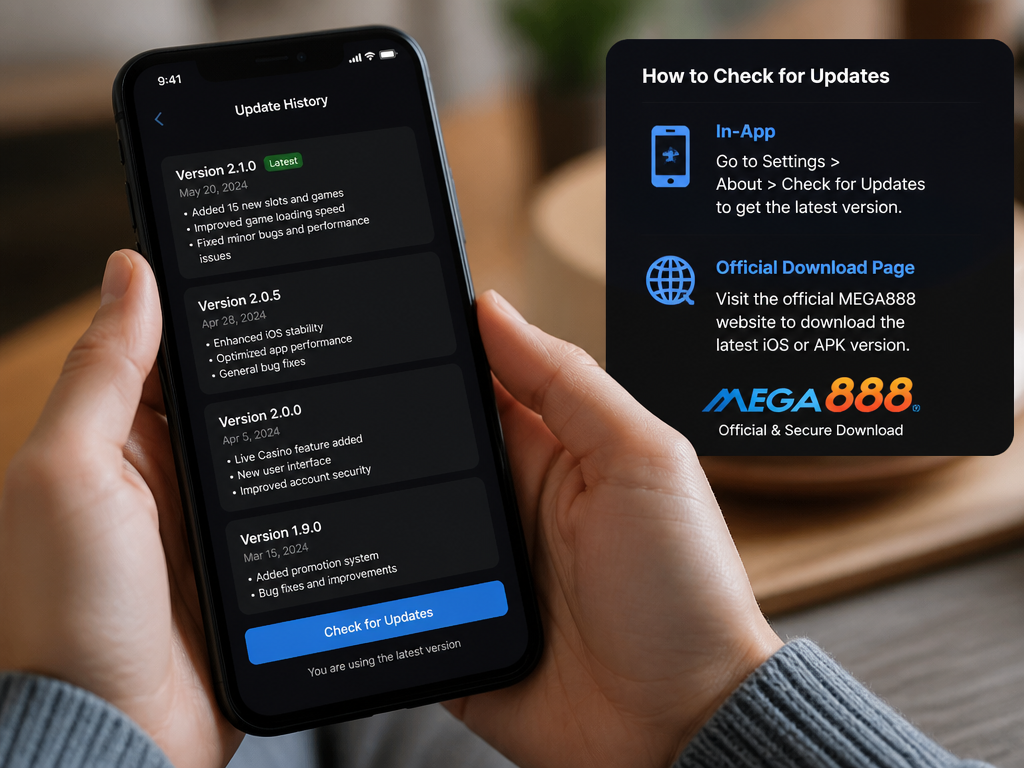
- File type: Android uses an APK; iOS uses a profile or signed package.
- Extra step: Android needs the unknown-sources permission; iOS needs you to trust the developer profile.
- App Store listing: neither platform has an official store listing for Mega888.
- Account: the same agent-issued ID works on both.
How to Avoid Fake Copies
Because Mega888 is distributed outside the stores, repackaged copies are common. A few checks reduce the risk on either platform:
- Use the link supplied by your own agent, not one from a forum or group chat.
- Be suspicious of any site that offers an “iOS APK”.
- Check that the page uses HTTPS and the domain matches what your agent told you.
- Look at the permissions requested at install time. A casino app has no need for contacts, call logs or SMS.
- Do not enter banking passwords anywhere outside the app or your agent’s stated channel.
For a closer look at checking authenticity, see our full Mega888 original download guide.
Which Should You Choose?
Use the file that matches your phone. Android owners should install the APK from a source they trust. iPhone owners should follow the iOS profile process or ask their agent about browser access. If you are still unsure where to begin, our general guide on how to download Mega888 in Malaysia walks through the whole journey from install to login.
Mega888 Original Download iOS APK: Frequently Asked Questions
Can you install a Mega888 APK on an iPhone?
No. APK files are Android installers and will not run on iOS. iPhone and iPad users need an iOS build installed through a profile or signed package, or can use browser access where an agent offers it.
Is there a difference between the Android and iOS versions?
The game lobby and account system are the same, because both connect to the same account. What differs is the installation method and the permissions you must grant.
How do I know I have the original app on either platform?
Use the link your agent supplies, check that the page loads over HTTPS, compare the version label with what the agent says is current, and avoid files shared in group chats.
Do I need a different account for iPhone and Android?
No. Your agent-issued ID and password work on either platform.