
If your iPhone is still on iOS 15.3.1, you have probably noticed that most install guides assume a newer version. This page covers the Mega888 iOS 15.3.1 download specifically: what the install involves, the trust error most people hit, and what to check if the app misbehaves afterwards.
Can You Use Mega888 on iOS 15.3.1?
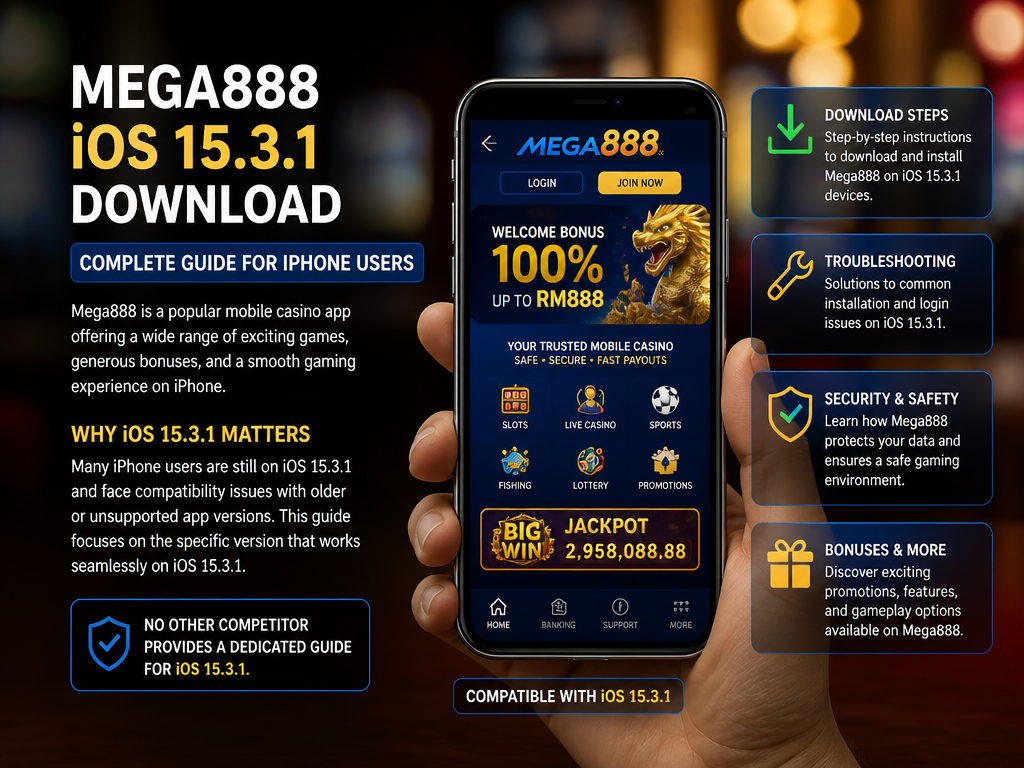
Mega888 is not on the App Store, so there is no one-tap install on any iOS version. On iOS 15.3.1 the app is installed through a configuration profile or signed build supplied by an agent or download page. Before you start, ask your agent which build they recommend for iOS 15.x. Compatibility depends on the build, not just the iOS number.
Step-by-Step Install
- Open the link from your agent in Safari. Other browsers sometimes cannot install profiles.
- Allow the configuration profile when iOS asks for permission to download it.
- Open Settings. A Profile Downloaded entry appears near the top. Tap it and choose Install.
- Enter your passcode and confirm.
- Return to the home screen and wait for the Mega888 icon to finish loading.
Fixing the Untrusted Developer Error
The first time you open the app, iOS will probably say the developer is not trusted. This is expected for apps outside the App Store. Go to Settings, General, VPN and Device Management, tap the developer profile listed for Mega888 and tap Trust. The app will then open normally.
Do You Need to Jailbreak?
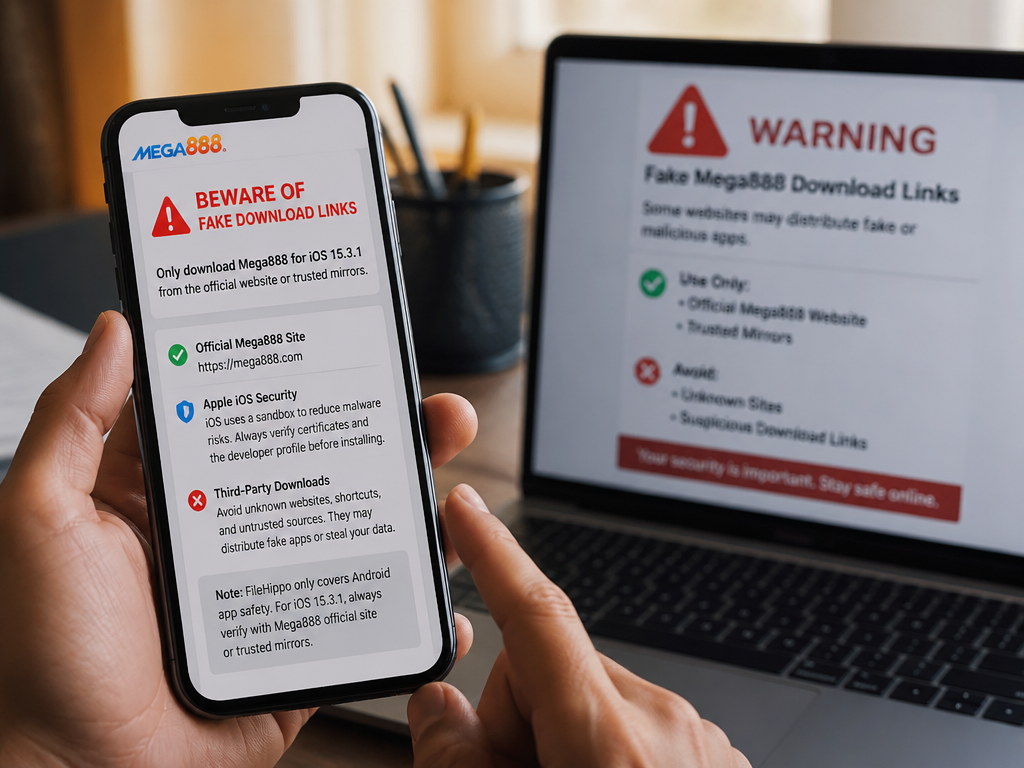
No. The profile install works on a normal, non-jailbroken phone. Jailbreaking removes protections that guard your device, and is not worth the risk for a casino app.
Security Checks for iOS Downloads
- Only install a profile from a link you trust. A malicious profile can do far more than a normal app.
- Read what the profile asks to do. If it requests network or VPN settings you do not recognise, cancel.
- Never type your Apple ID or banking passwords on a page that asks for them during the install.
- Remove the profile from Settings if you stop using the app.
If the App Crashes or Stops Opening
- Check that the profile is still listed under VPN and Device Management. Expired profiles stop the app from launching.
- Restart the iPhone and try again.
- Reset network settings if the lobby will not load.
- Delete the app and reinstall from a fresh link.
Should You Update iOS First?
Updating to the latest iOS release is generally the better long-term choice for security. If you stay on 15.3.1, be extra careful about where your install files come from. For a general walkthrough that is not tied to one iOS version, see our Mega888 iOS download guide.
Related Guides
- Mega888 original download iOS APK: iPhone vs Android explains why an APK will not work on an iPhone.
- Download Mega888 in Malaysia covers registration and login once the app is installed.
Mega888 iOS 15.3.1: Frequently Asked Questions
Do I need to jailbreak an iPhone on iOS 15.3.1 to install Mega888?
Jailbreaking is not required for the profile-based install. It is not recommended, as it weakens the device’s security.
Why does iOS say Untrusted Developer?
Apps installed outside the App Store carry a developer profile that you must trust manually. Go to Settings, General, VPN and Device Management, choose the profile and tap Trust.
Does Mega888 work on iOS 15.3.1?
Compatibility depends on the build your agent supplies, so confirm with them before installing.
What if the app crashes after trusting the profile?
Check that the profile has not expired, restart the phone, and reinstall from a fresh link supplied by your agent.