

The Mega888 APK download is the Android installer for the app. Because Mega888 is not on Google Play, you install it from a file, which adds one permission step that normal app installs do not need. This page is a practical walkthrough: prepare the phone, install, and fix the errors that stop most people.
Before You Start
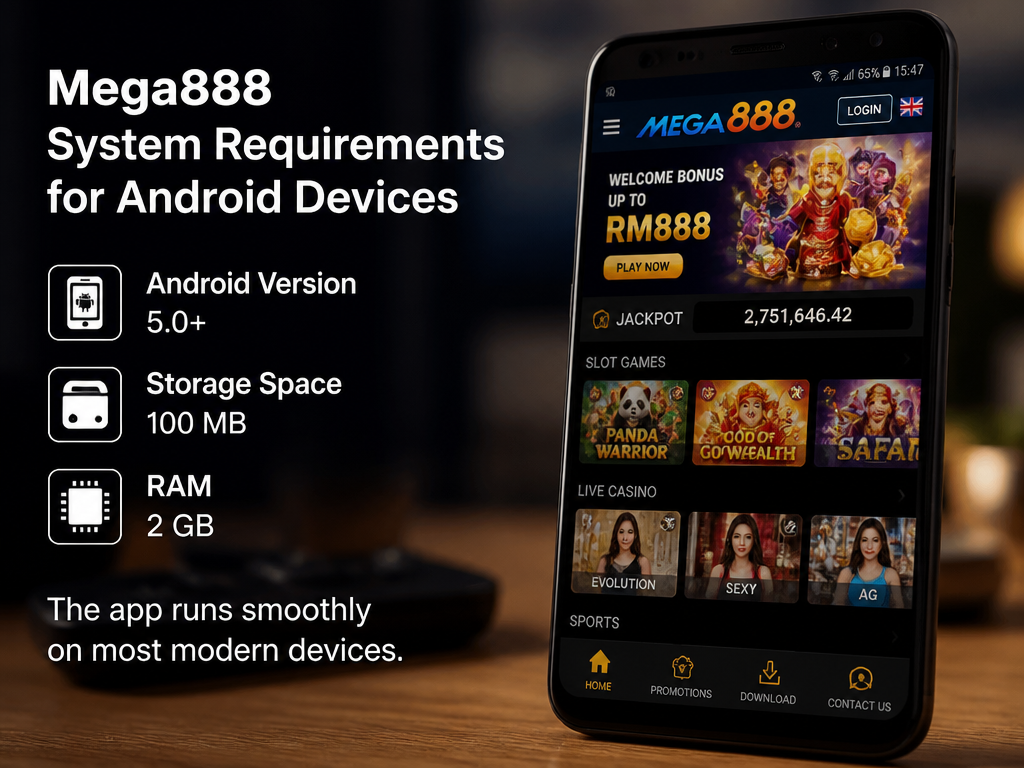
- Free storage: keep at least 200 MB free so the file can unpack and the app can cache game data.
- A stable Wi-Fi connection so the download does not stop halfway.
- The download link from your own agent, rather than a forwarded link.
Step 1: Allow Installs From Your Browser
Open Settings, then Security or Apps, and find the option called Install unknown apps (some phones label it Unknown sources). Select the browser or file manager you will download with and switch on Allow from this source.
Step 2: Download and Open the File
Download the APK and wait for it to finish. It is usually saved in the Downloads folder. Tap the file, review the permission list Android shows, and tap Install. The process usually takes under a minute or two. When it ends, the Mega888 icon appears on your home screen.
Step 3: Log In
Open the app and sign in with the ID and password your agent issued. If you do not have an account yet, follow the sign-up steps in our guide to downloading Mega888 in Malaysia.
Fixing Common Installation Errors
- App not installed: an older copy of Mega888 may still be on the phone. Uninstall it and try again.
- Parsing error: the file is usually incomplete or damaged. Delete it and download again over a steady connection.
- Install blocked: the unknown-sources permission was not granted for the app you downloaded with. Go back to Step 1.
- App closes on launch: clear the app cache in Settings, or reinstall from a fresh download.
- Not enough space: free up storage, then retry.
Is the APK Safe?
Any file from outside an official store deserves a check. Compare the version and size on the download page with the file you received, avoid links from strangers, and review the permissions Android lists before installing. Requests for contacts, SMS or call logs are not needed for a slots app. We cover this in more depth in our Mega888 original download guide and in APK Mega888: what you need first.
Updating the App
Updates do not arrive automatically, since the app is outside the Play Store. Download the newer file from the same source and install it over the old version. If you are checking which build is current, see the Mega888 V1.2 APK download page.
iPhone Users
An APK will not install on an iPhone. If that is your device, use the Mega888 iOS download guide instead.
Mega888 APK Download: Frequently Asked Questions
Is the Mega888 APK available on Google Play?
No. Mega888 is not listed on Google Play, which is why Android users install it from an APK file supplied by an agent or download page.
What Android version do I need?
Phones running a reasonably recent Android release generally work, and 2 GB of RAM or more helps the games load smoothly. Check the requirements your source lists for the build you are installing.
Why does Android say the file might be harmful?
Google Play Protect often warns about apps from outside the Play Store. A warning alone does not prove the file is bad, but it is a reason to double-check where it came from.
How do I update the app?
Download the newer file from the same source you used originally and install it over the existing app. Your account data is held on the server, so the account stays the same.